ATON Desk is coming soon. It is not open to customers yet. If you run chat on Intercom, Zendesk, LiveChat or Tidio today, that gives you something useful: time to plan the move before you make it.
This article is about the plan itself. What to look at, what to decide, and what order to do it in, so the day you switch is quiet.
Start with an inventory, not an export
Before you download anything, write down what your current setup actually does for you. Most teams find they rely on more than they thought.
- Saved answers. The replies your team pastes every day.
- Help articles. Anything public that customers or agents point to.
- Chat history. Past conversations, and whether you need to keep them.
- Routing and hours. Who gets which chats, and what happens out of hours.
- The widget. Where the chat code sits on your site, and who can change it.
- Habits. The small things your team does by hand that a tool never knew about.
This list becomes your checklist. Every line needs a decision: keep it, rebuild it, or drop it.
Check what your current tool says about exports
Each product publishes its own documentation on what you can export and in what format. Read that documentation directly, from the provider, before you plan around it. We will not guess at it here, because formats and limits change and only the provider can tell you what is true for your plan today.
While you read, note three things:
- What you can download yourself, and what needs a request.
- What format it comes in.
- Whether access changes when your subscription ends.
The third point matters most. Export before you cancel, not after.
Decide what is worth bringing
Not everything deserves a place in a new tool. Old saved answers often mention prices, policies or staff that have changed. Moving them as they are means moving the mistakes too.
A simple test for each saved answer: would you be happy if a customer read it word for word today? If yes, keep it. If it needs a fix, fix it now. If nobody has used it in months, let it go.
We covered the detail of tidying saved answers in an earlier piece, so here is the short version: fewer, current, clearly written answers are worth more than a long list nobody trusts.
Why this work pays off in ATON Desk
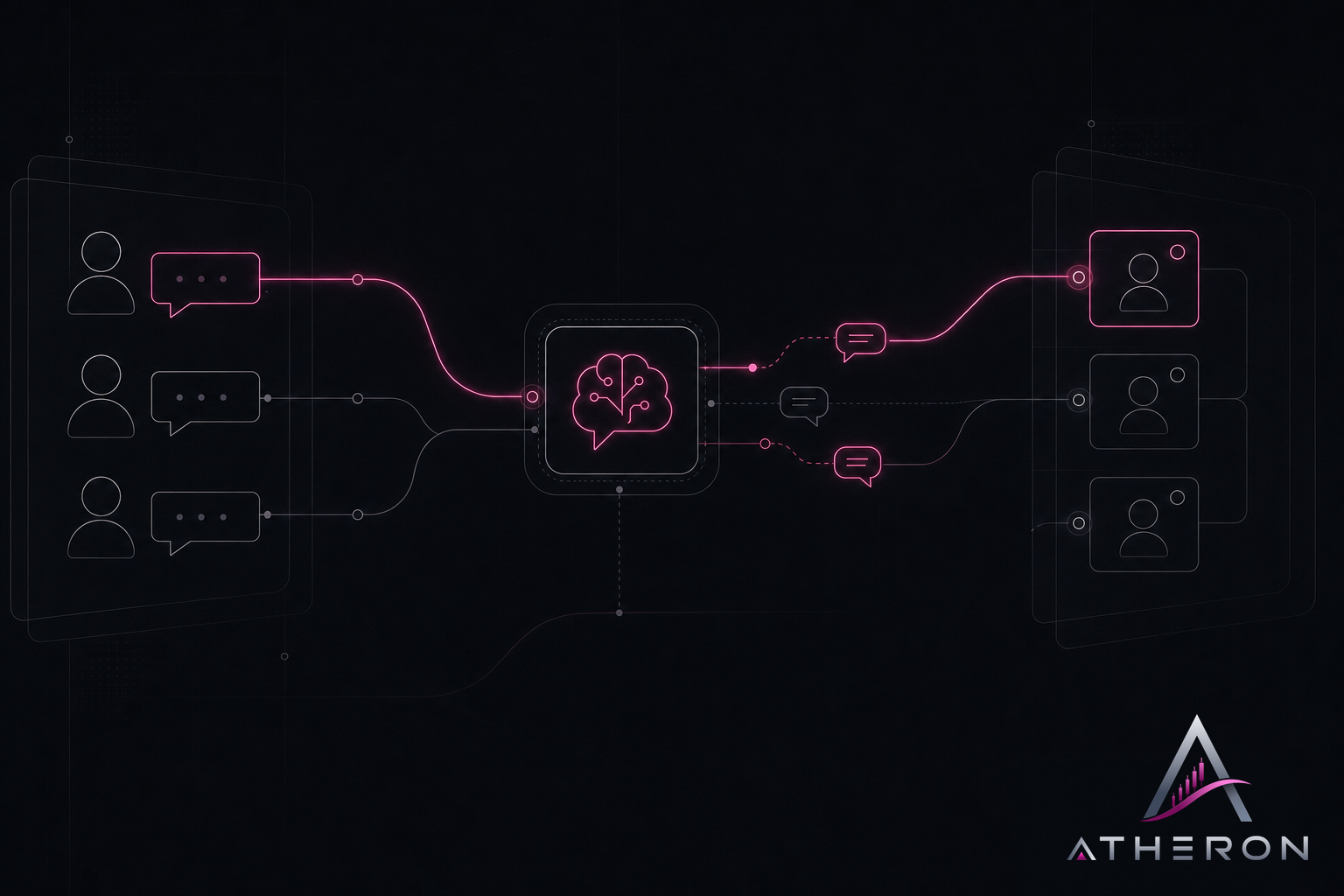
In ATON Desk, an AI agent replies first. It is trained on your website, your files and your answers. So the quality of what you bring shapes the quality of what it says.
That is the real reason to clean up before you switch. Your saved answers stop being shortcuts for your team and become material the AI learns from. Clear, correct answers help it reply well. Outdated ones would teach it the wrong thing.
A few other things work differently, and are worth knowing as you plan:
- The AI says it is an AI, and offers a person after its first answer.
- An operator can take over in one click, with a short summary of the chat so far.
- Questions the AI could not answer become draft articles for you to approve.
That last point means you do not need a perfect library on day one. Gaps show up as drafts, and you fill them as they appear.
Plan the handover day
When ATON Desk opens, the switch itself is mostly about timing.
- Set up and train the AI before you touch your live site.
- Test it with the questions your customers ask most.
- Brief your team on taking over a chat and reading the summary.
- Swap the chat code on your site at a quiet time.
- Keep your exports somewhere safe, even after you are settled.
If you can, keep a short overlap so you can check your old account for anything you missed.
What you can do now
Because ATON Desk is not open yet, you can do all the preparation above at your own pace, with no pressure from a trial clock. When it opens, there will be a free plan and a trial with no card, prices in Canadian dollars per seat per month, and AI conversations included on every plan.
Atheron runs its own support on ATON Desk, so we are going through these steps ourselves.
If you want to hear when it opens, you can join the waitlist. Until then, start the inventory. It is the part that takes longest, and the part that makes the rest easy.