If your team uses Intercom, Zendesk, LiveChat or Tidio, you have probably built up a library of saved answers over time. Each product names them a little differently, but the idea is the same. They are the replies your team reaches for every day.
Those answers are the part of your current setup most worth keeping. This article is not about the export button. It is about what to do with your answers so they work well in a new tool.
A plain note first. ATON Desk is coming soon and is not open to customers yet. That makes now a good time to prepare, without any pressure to move.
Why saved answers matter more than old chats
Your chat history is a record of what happened. Your saved answers are your team's knowledge in a form you can reuse.
In ATON Desk, the AI agent is trained on your website, your files and your answers. So a clean, current set of answers is direct input. The better they are, the better the agent's first reply to your customers.
Step 1: Check what your current tool lets you export
Each of these products publishes its own help pages on exporting data. What you can export, and in which format, can depend on the product and on your plan. Read the vendor's current documentation rather than a guide written by someone else, because these details change.
Make a short list of what you can take with you, for example:
- Saved replies or macros
- Help centre articles
- Contact lists
- Chat transcripts
Step 2: Put everything in one place
Copy your answers into a single spreadsheet or document. Give each one its own row with four columns: the customer's question, the answer, the date it was last checked, and who owns it.
This step is dull, and it is where most of the value comes from. You will see the whole library at once, often for the first time.
Step 3: Cut and merge
Go through the list and remove what you no longer need. Look for:
- Duplicates written by different people over the years
- Answers with old prices, policies or product names
- Replies that only work when an agent fills in a gap, such as a customer's name
- Internal shortcuts that were never meant for customers
When two answers cover the same question, keep the clearer one and fold in anything useful from the other.
Step 4: Rewrite for a reader, not a teammate
Many saved replies are written as fragments that an experienced agent finishes in the moment. A customer, or an AI agent, needs the full answer.
| What you find | What to do |
|---|---|
| A fragment an agent completes | Write the complete answer |
| One reply covering several questions | Split it into one answer per question |
| Team jargon or abbreviations | Use the words your customers use |
| A reply that says to ask a colleague | Write down what that colleague would say |
Keep each answer short and plain. If a question genuinely needs a person, say so in the answer. That is useful information too.
Step 5: Keep your source documents
Your saved answers often point to longer documents: policies, setup guides, product sheets. Gather those files as well, and note which pages on your website cover the same ground.
Because the AI agent learns from your website and files as well as your answers, these documents fill in the detail that short replies leave out.
You do not need a perfect library on day one
No set of answers covers everything. In ATON Desk, questions the agent cannot answer become draft articles for you to approve. Your library grows from real conversations instead of guesswork.
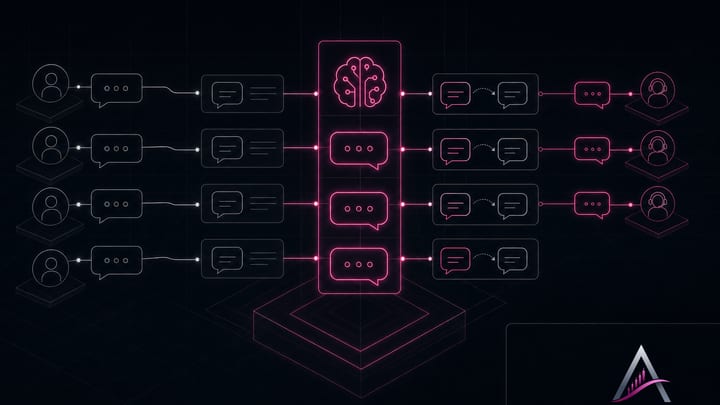
Your customers are not left waiting either. The AI agent replies first, says it is an AI, and offers a person after its first answer. An operator takes over in one click and sees a short summary of the chat so far.
Where to start
Begin with steps 2 and 3 this week. They help your team whichever tool you use, and they make any future move much easier.
When ATON Desk opens, prices will be in Canadian dollars per seat per month, every plan will include AI conversations, and there will be a free plan and a trial with no card. Atheron's own support already runs on it.
If you would like to hear when it opens, you can join the waitlist.