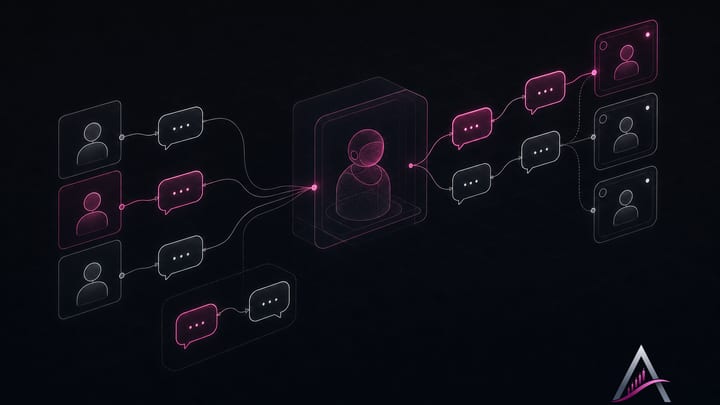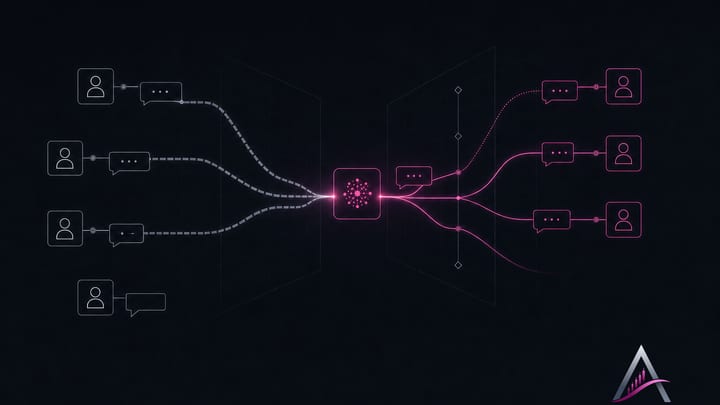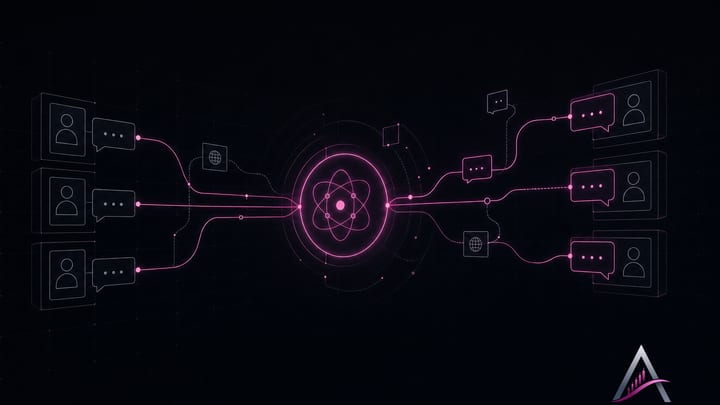
An AI agent is only as useful as what it knows. The hard part is not the first week. It is every week after, when customers ask things nobody wrote down.
ATON Desk is built around that problem. It is coming soon and not open to customers yet, but here is how the learning side works, so you can plan for it.
Three sources, one agent
The AI agent in ATON Desk is trained on three things you already have:
- Your website. The pages customers can already read.
- Your files. Documents your team uses to answer questions.
- Your answers. The replies your team has written.
When a chat starts, the agent replies first. It says it is an AI. After its first answer, it offers the customer a person. If the customer wants one, an operator takes over in one click and gets a short summary of the chat so far, so nobody has to scroll back or ask the customer to repeat themselves.
The gap is the useful part
No set of pages covers everything. Customers ask about the edge case, the odd order, the policy that lives in one person's head. A typical chat tool leaves those moments behind. The person answers, the chat closes, and the next customer asks the same thing.
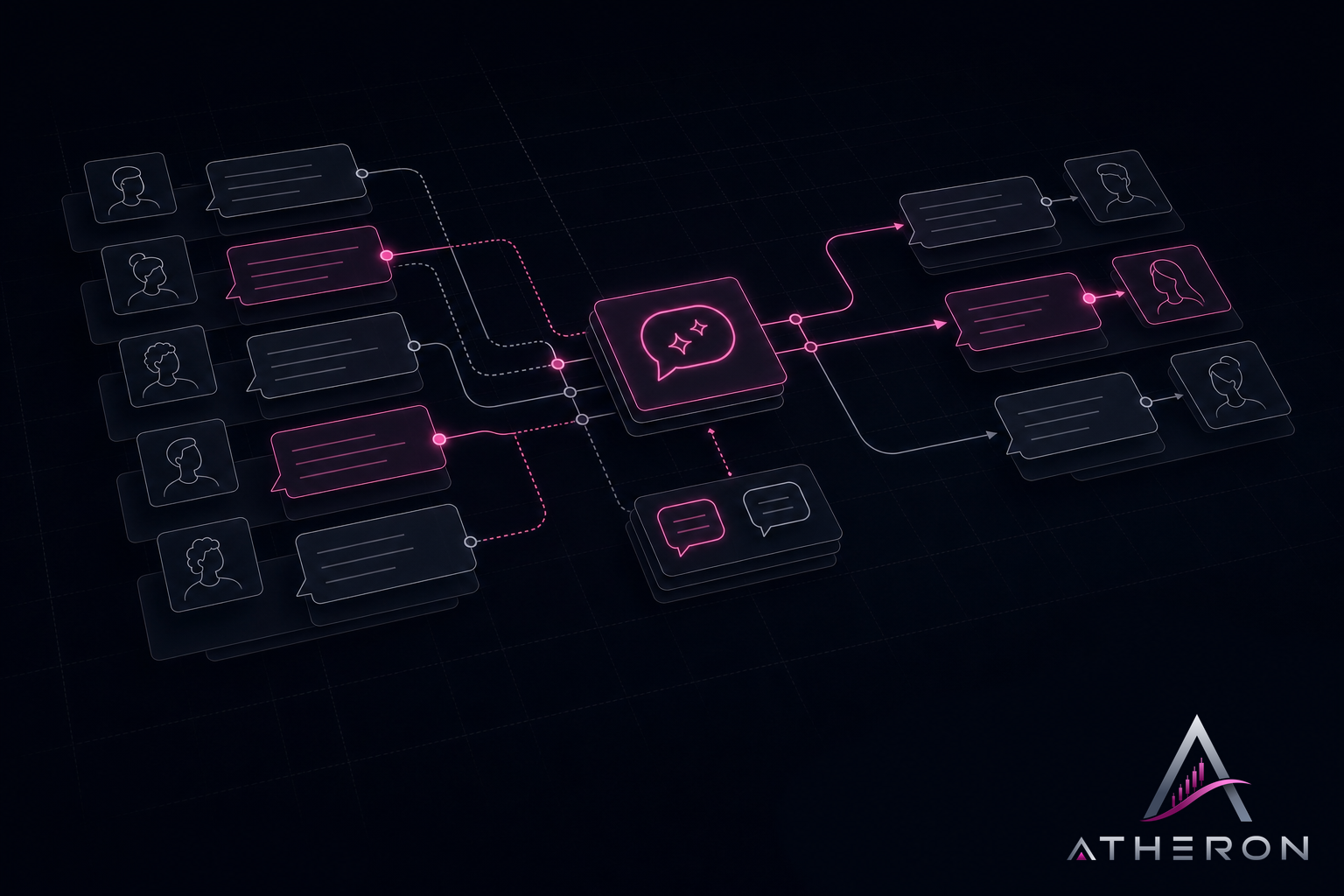
In ATON Desk, a question the agent could not answer becomes a draft article. You read it, fix it if needed, and approve it. Nothing goes out on its own. You stay the editor.
That gives you a loop:
- A customer asks something your content does not cover.
- The question becomes a draft article.
- You review and approve it.
- The next customer with the same question gets a better answer.
Over time, your gaps tell you exactly what to write. You stop guessing which help pages matter.
How to make the drafts worth approving
A draft is a starting point. A few habits make the review quick.
Read drafts in small batches. A short review on a regular schedule is easier than a large pile at the end of the month. Small batches also show you patterns while they are fresh.
Check facts before tone. Make sure prices, steps and policies are right first. Wording can be polished later. A friendly answer with the wrong return window does more harm than a plain one that is correct.
Merge, do not duplicate. If two drafts cover the same question asked two ways, approve one clear article rather than two half answers.
Watch for questions that need a person. Some gaps are not content gaps. A question about a refund dispute or an account problem may be better left to your team. That is fine. The agent already offers a person after its first answer.
Give it a good start
The loop works best when the first version of the agent already knows your basics. Before you turn it on, it helps to:
- Tidy the pages on your site that answer common questions.
- Gather the files your team actually uses, not old drafts.
- Collect your best saved replies, and remove the ones that are out of date.
You do not need perfect content to begin. The point of the draft articles is that the agent shows you what is missing. But a clean start means fewer drafts in the first weeks and better answers from day one.
What we are honest about
The agent knows what you give it and what you approve. It does not know your business beyond that. If your site says one thing and your team does another, the agent will follow the site. The fix is to update the source, then let the next draft confirm it.
We run Atheron's own support on ATON Desk, so we live with this loop every day.
When it opens
When ATON Desk opens, prices will be in Canadian dollars per seat per month. Every plan includes AI conversations, and there will be a free plan and a trial with no card.
If you want to know when it is ready, you can join the waitlist.