
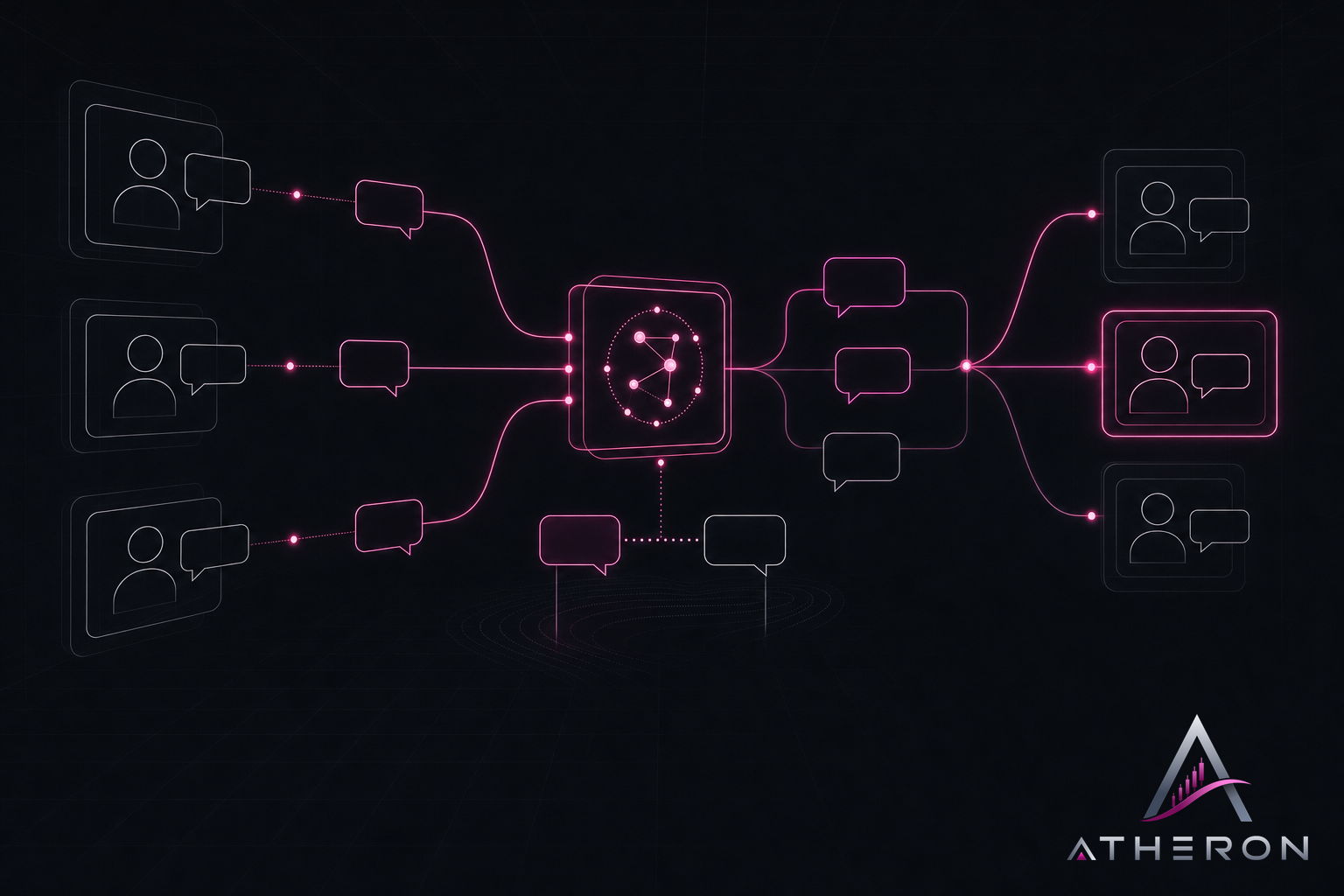
Today aton-desk.com went live. ATON Desk is live chat for your website: an AI agent trained on your own content answers first, and your team takes over in one click when your customer wants a person.
ATON Desk is coming soon. It is not open to customers yet. Everything below describes what you get when it opens, and how to be among the first in.
The AI answers first
Most questions on a small business website are the same few: your hours, your prices, how to book, where an order is. Your visitors should not have to wait for someone to be free to get those answers.
The AI agent replies from your website, your files and your answers. It says plainly that it is an AI, never pretends to be human, and offers a person after its first answer.
A person takes over in one click
When your customer asks for a person, or the question needs one, your operator joins with one click. They see a short summary of the conversation so far, so your customer never has to repeat themselves.
It learns your answers
You scan your website, upload files and add your own questions and answers. You can try it in the playground before any customer sees it. Questions the AI could not answer become draft articles. You approve them, and it knows the answer next time.
We use it ourselves
ATON Desk is made by Atheron Network Labs, and Atheron's own support runs on it. The chat at the bottom of aton-desk.com is ATON Desk, answering questions about itself.
What you can do today
- Read what it does. The features page covers live chat, the AI agent, translation, quotes, channels and reports.
- See the plans. Pricing is in Canadian dollars, per seat, per month, and every plan includes AI conversations. When it opens, there is a free plan to start on and a trial with no card.
- Compare. If you use another live chat tool now, the compare pages set the two side by side, using only what each product publishes.
- Ask us. Use the chat on any page, or the contact page.
How the waitlist works
We are letting people in a few at a time.
- Join the waitlist. We send one email with a link to confirm your address.
- When your place comes up, we email you an invite code.
- You sign in, enter the code and create your workspace.
If you do not confirm your address within 30 days, we delete it. Every email we send lets you leave the list.